Tap or click to time
Tap anywhere on the screen, or click a Bluetooth camera shutter remote, to start and stop. Double-tap or double-click to reset. The digits fill the screen, in portrait or landscape, on a phone or a tablet.

Android, iPhone and iPad · coming soon
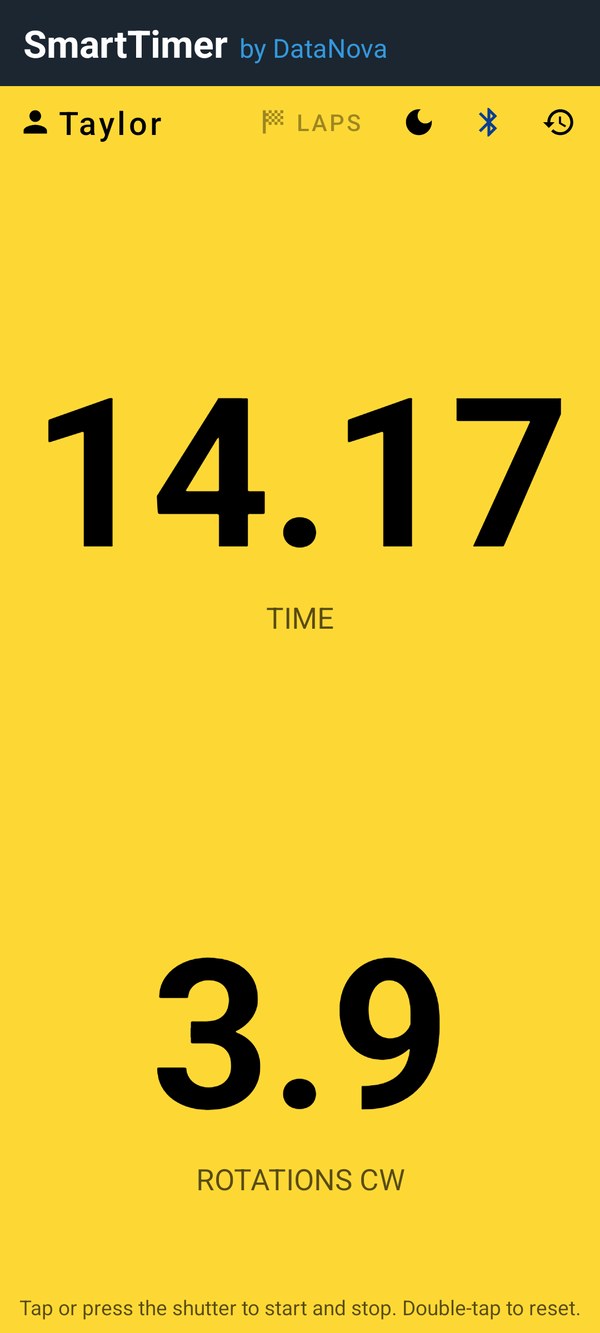
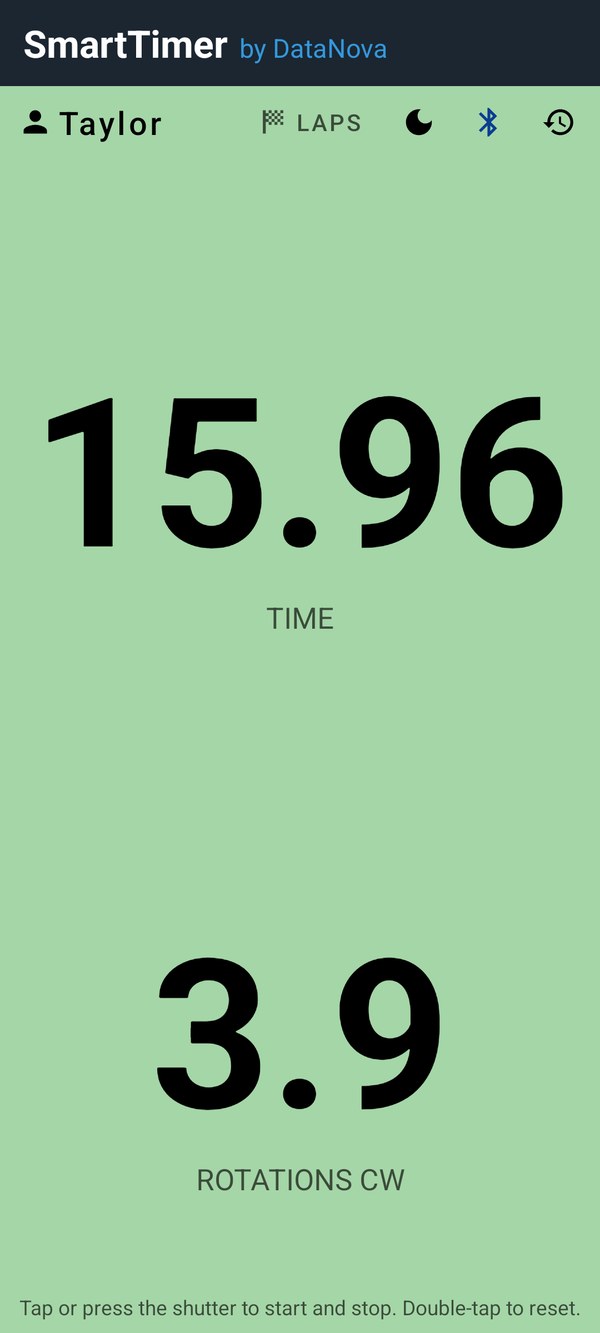
SmartTimer is a full-screen stopwatch you start and stop without touching the screen: click a Bluetooth camera shutter from across the field, the ice or the gym, or tap anywhere. It is green when it is ready and yellow while it runs, with digits big enough to read from a distance. Time drills, sprints and practice runs in any sport, no sensor needed; for curling, add a motion sensor and it counts the rock's rotations too, and measures the pop at release: the speed the last push adds (in testing).
Tap anywhere on the screen, or click a Bluetooth camera shutter remote, to start and stop. Double-tap or double-click to reset. The digits fill the screen, in portrait or landscape, on a phone or a tablet.
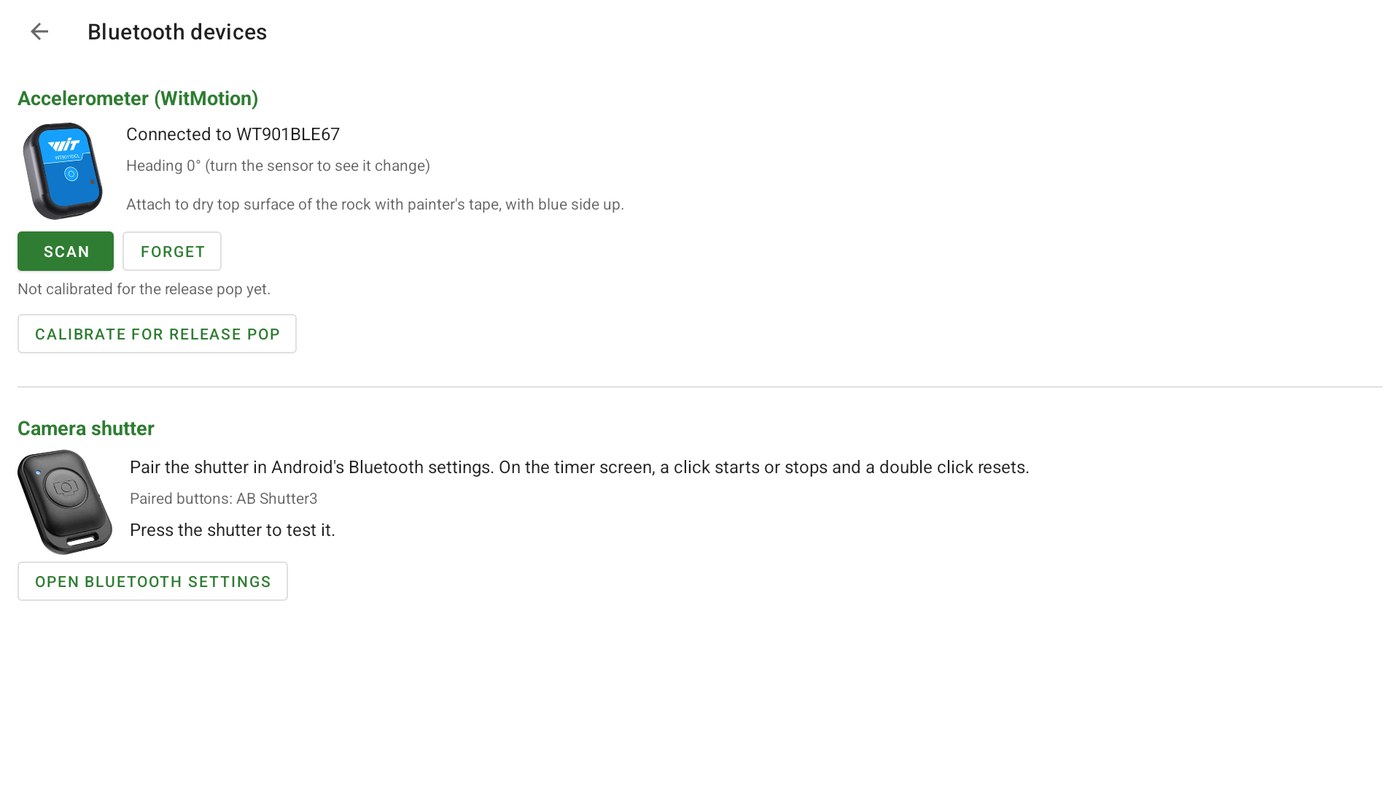
Inexpensive camera shutter remotes pair with Android as a keyboard, and SmartTimer treats any of their buttons as the timer button, so presenter clickers and page-turner remotes work too. A test on the Bluetooth screen shows each press as it arrives.
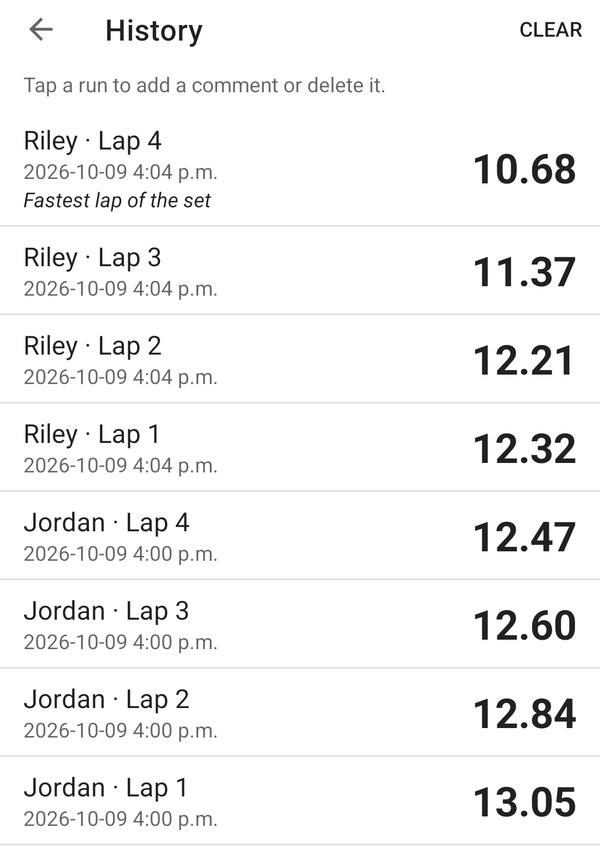
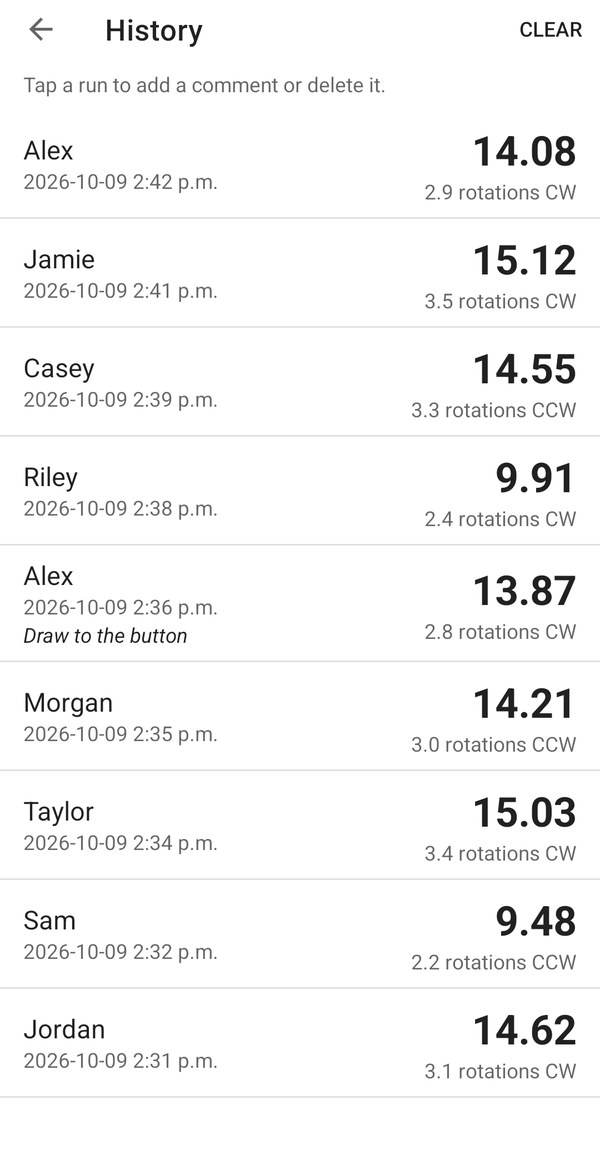
Set a name before each run; recent names are one tap away. Every stopped run is saved with the name and the time (and, with the sensor, the rotations and their direction), and when it happened. Tap a run to add a comment or delete it, or clear the history whenever you like.
Described as it works in the Android app. Details for iPhone and iPad will be posted with the iOS release.
You do not need the sensor, or to be a curler. Put the phone or tablet where everyone can see it, keep the shutter in your hand, and time from wherever you are standing.
Start the clock as the athlete sets off and stop it at the line, without walking back to the phone. A double click throws away a false start.
Turn on lap mode and every click ends the lap and starts the next at the same instant, with the lap number on screen and each lap saved to a named history. Or time a shift, a set or a rest period with one hand.
The whole screen turns yellow while the clock runs and the digits fill it, so athletes can read their own time from across the field, the ice or the gym.
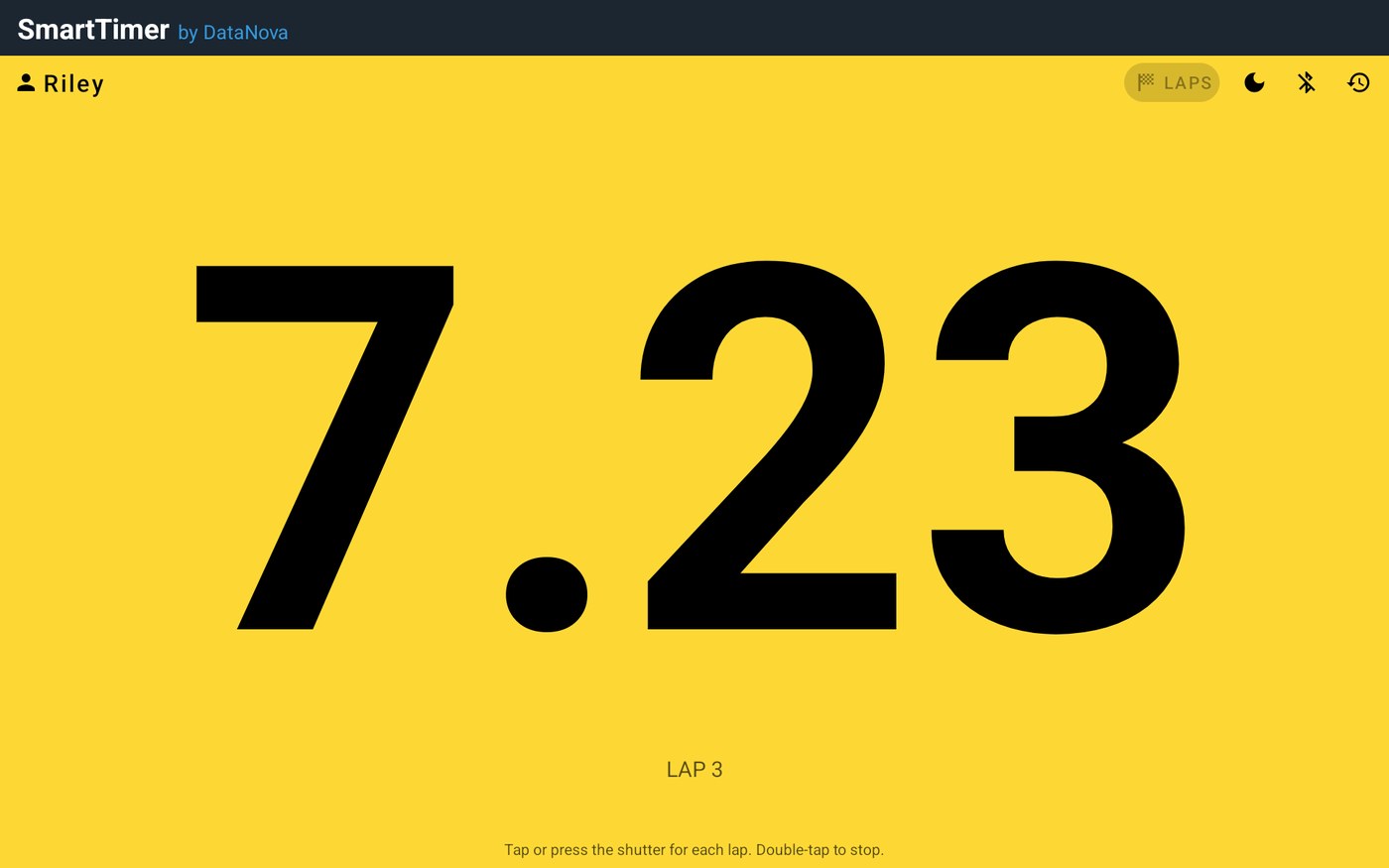
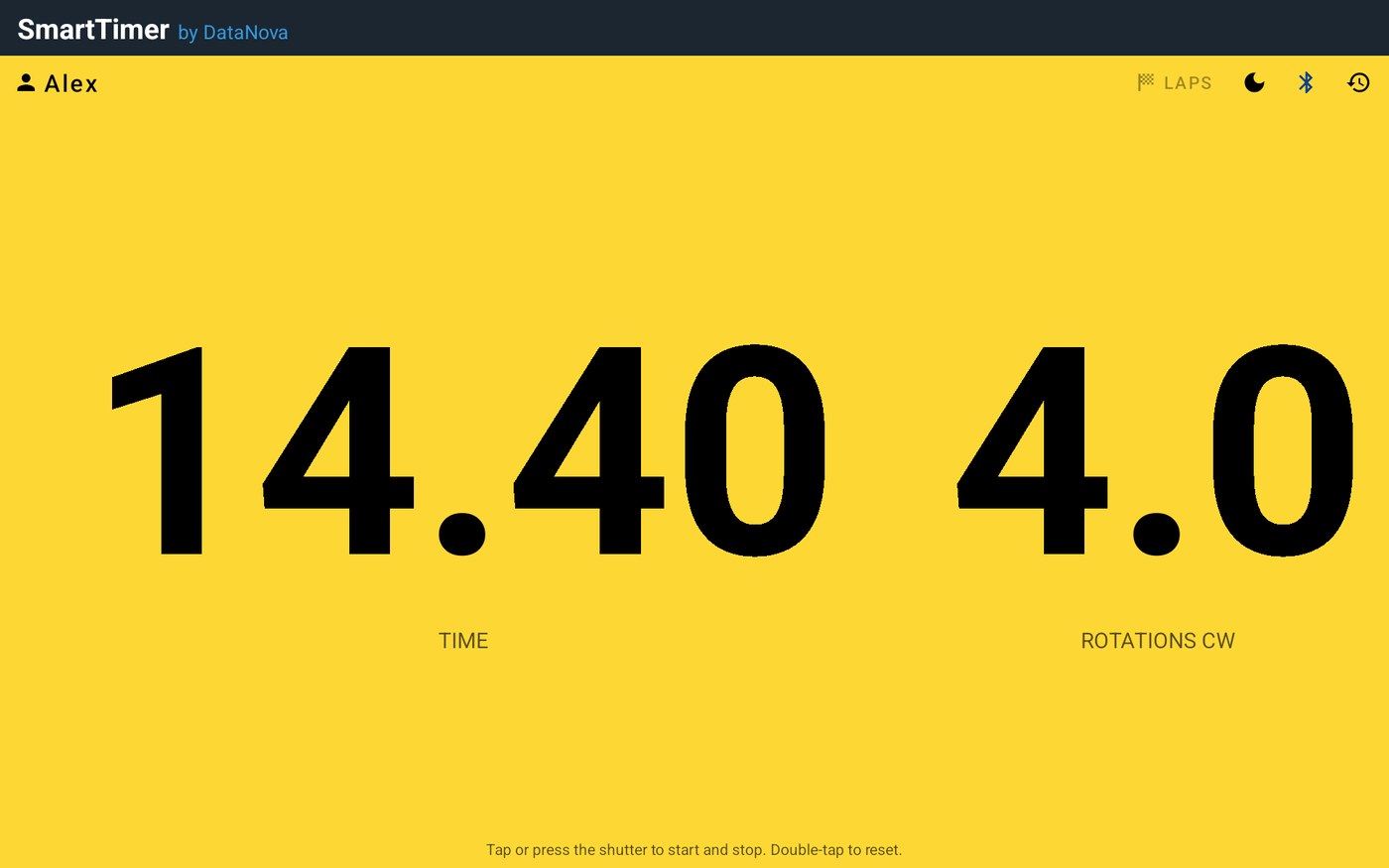
Optional: fit a WitMotion Bluetooth motion sensor (tested with the WT9011DCL) to the rock. While the clock runs, SmartTimer counts the rock's rotations, to a tenth of a rotation, and shows whether it turned clockwise (CW) or counter-clockwise (CCW). The sensor connects from inside the app and reconnects on its own. Without one, SmartTimer is a plain remote stopwatch and the rotation display stays out of the way. The screenshots below are from the Android app.
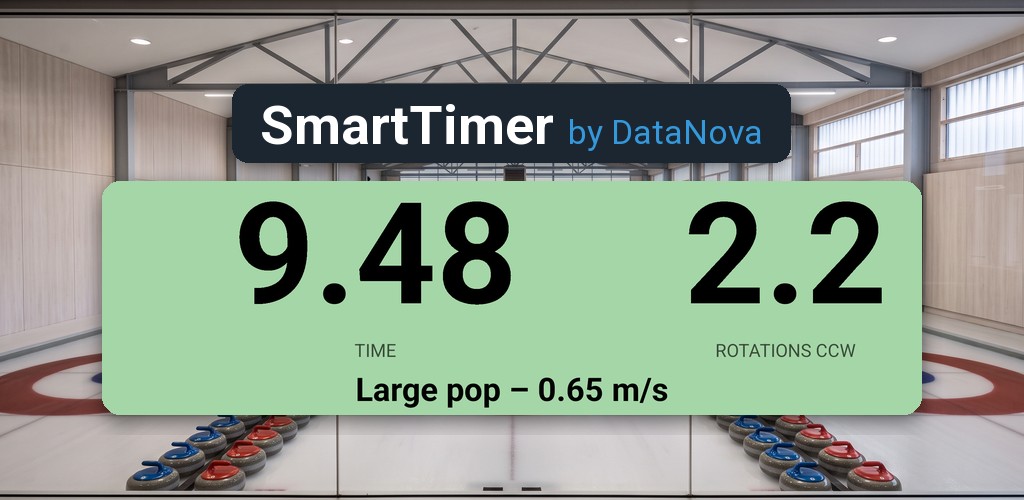
In testing: with the sensor on the rock and the clock started and stopped at the hog lines, SmartTimer measures the push a curler gives the rock at release. It reads how much faster the rock goes than its own slide, then works out the work that push did, in joules, and how much farther it carries the rock. Once a run stops, the timer shows the pop's size and the speed it added, such as “Large pop – 0.65 m/s”, and each run in the history charts the speed through the release.
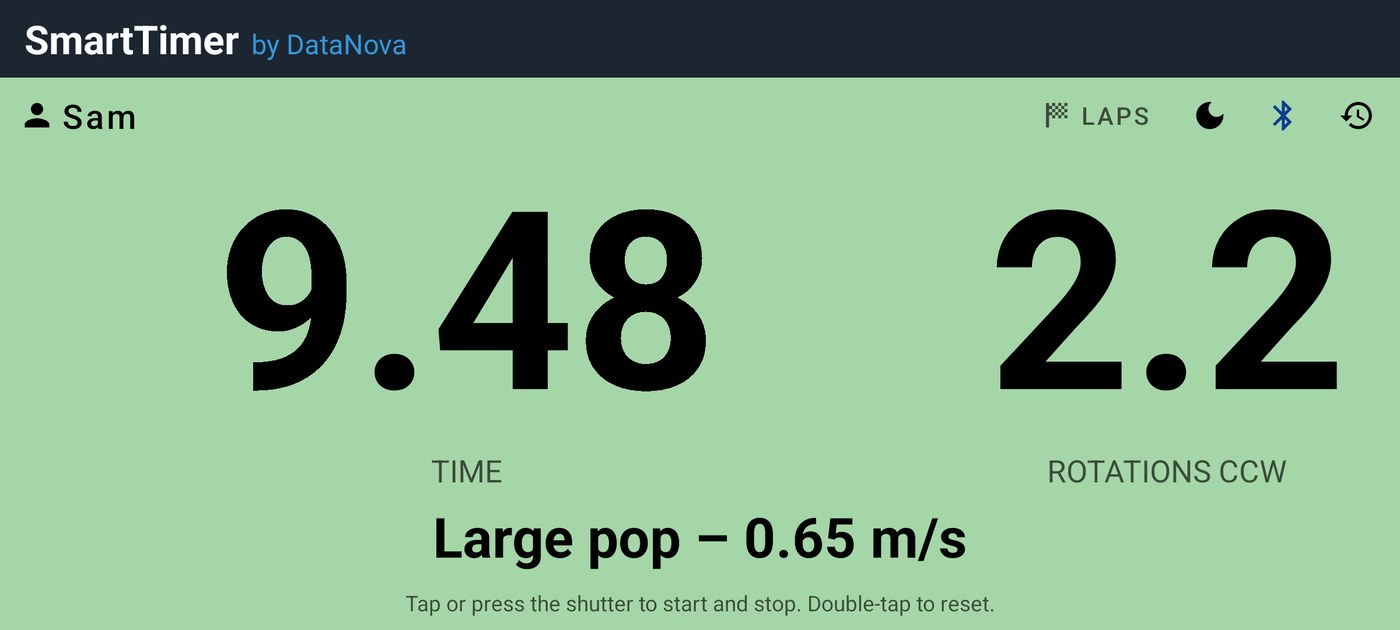
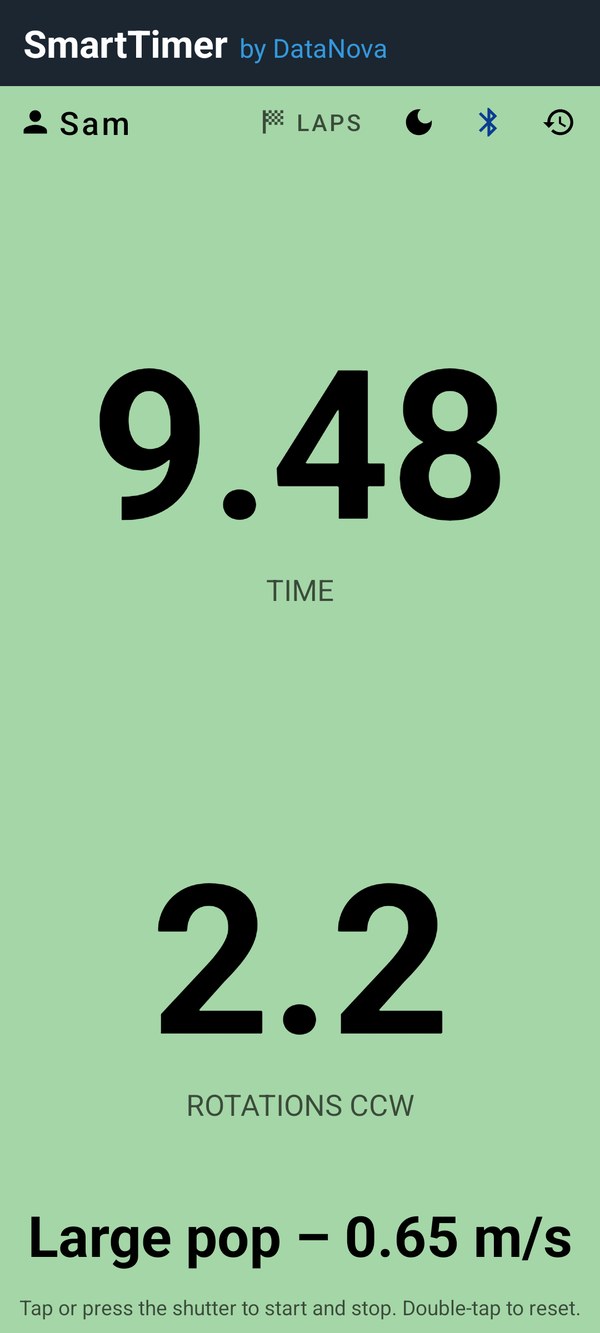
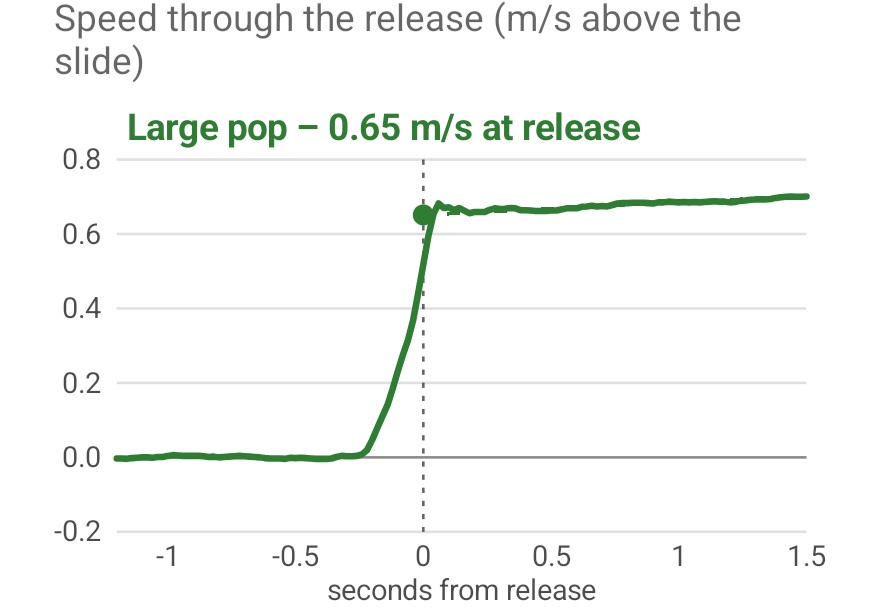
SmartTimer fits a line to the slide before the release and another to the free slide after it; the step between them is the speed the pop added. With the hog-to-hog time, that gives the release speed, the work in joules and the extra distance. A short guided calibration on the Bluetooth screen tells it how the sensor sits on the rock.
Release pop numbers are a training aid, still being tuned against more throws.
No account, no ads and no internet connection, on Android or on iPhone and iPad. SmartTimer also keeps its data out of backups, so your names and times stay on the phone or tablet you time with. The privacy policy has the details, including what each permission is for.
SmartTimer is coming soon to Google Play for Android, and to the App Store for iPhone and iPad. Write to us if you would like to try it at your club before then.
Android: requires Android 8.0 or later. iPhone and iPad: requirements will be posted with the iOS release. Optional: a Bluetooth camera shutter remote, and a WitMotion WT9011DCL motion sensor for rotations (see recommended gear). SmartTimer is not affiliated with WitMotion; WitMotion is a trademark of its owner. iPhone, iPad and App Store are trademarks of Apple Inc.
DataNova Software Incorporated is an independent software company based in Nova Scotia, Canada, providing software and professional services since 2008. See all our apps.
Contact: info@datanovasoft.com